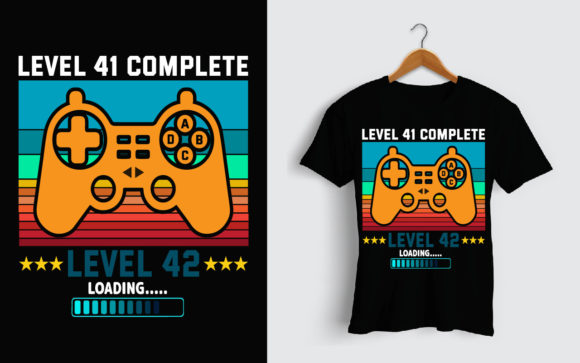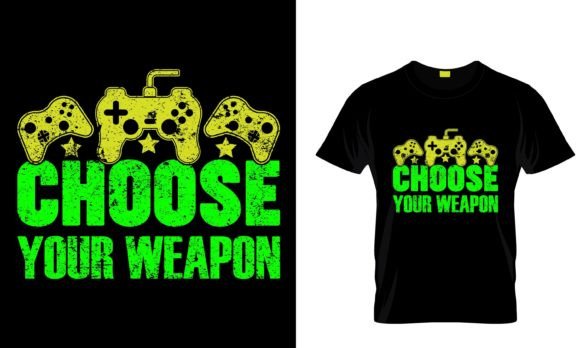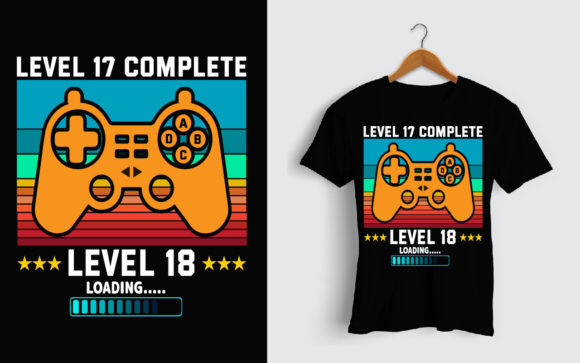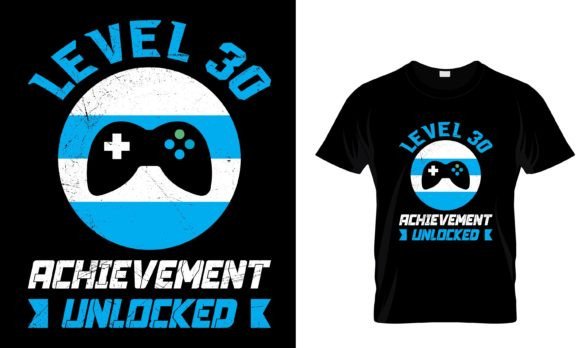
I Don't Age, I Level Up: Mastering Your Gaming T-Shirt Design
The phrase "I Don't Age, I Level Up" is more than just a clever gaming slogan; it's a badge of honor for a generation of players. It encapsulates a mindset of growth, resilience, and perpetual progress. This sentiment has found a natural home in apparel, particularly in t-shirts and hoodies, becoming a popular way for gamers to express their identity. If you're looking to create, customize, or print merchandise featuring this design, you have a fantastic opportunity, but the path to a perfect final product is often littered with common, easily overlooked pitfalls. Understanding what makes a design file truly usable is the first level you need to conquer.
The Core Asset: What You're Actually Getting
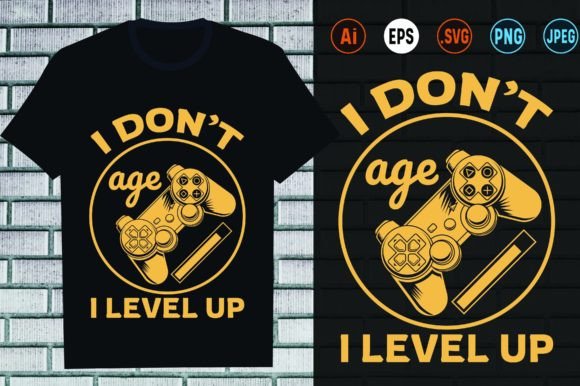
When you acquire a package like this, promising "I Don't Age, I Level Up Gammer Design," you're not just buying a picture. You're investing in a versatile digital toolkit. The key components are the editable vector files—AI, EPS, and SVG. These are not static images. Instead, they are mathematical descriptions of shapes, lines, and colors. This means they can be resized infinitely without any loss of quality, from a tiny sticker to a large poster, and every element—the text, the graphical accents—can be modified, separated, or recolored with ease. The included high-resolution PNG (at 4500×5400 pixels) and JPG files provide ready-to-use versions for quick mock-ups or certain print methods, while the PDF offers a stable format for universal viewing. The real power, however, lies in those vector formats.
Common Oversights in File Evaluation
Many beginners and even seasoned creators make critical errors when evaluating such design packages. The excitement of the concept can overshadow a practical check of the assets.
Mistake 1: Assuming "Editable" Means Simple. You might think opening an AI file in Adobe Illustrator and changing the text color is a five-minute task. However, if the design is poorly constructed—for instance, if all elements are rasterized within the vector file or if the text is not converted to outlines and uses an obscure font—your "easy to modify" promise evaporates. You could spend hours troubleshooting instead of minutes customizing.
A Better Approach: Before finalizing any purchase or download, inquire about or check for file structure. A professional, editable vector file should have clean, layered, and logically named components. Text should be outlined or the font file included. The description mentioning "100 vector shapes" is a good indicator, but always verify sample previews or ask the provider about the build quality.
Mistake 2: Ignoring the Final Print Method's Requirements. Planning to use this for a vinyl decal on a mug? That requires a specific cut path or contour. For screen printing on a t-shirt, the design might need to be separated into color layers. The provided multi-format bundle is incredibly helpful, but not all formats serve all purposes. Using a PNG for a large-scale hoodie print might result in a blurry, pixelated outcome because PNGs, even at 300 dpi, have fixed dimensions.
A Better Approach: Match your file choice to your production technique. For physical products like shirts, mugs, and phone covers where resizing is crucial, always start with the vector EPS or SVG file. Use the PNG for digital previews or for print-on-demand services that specifically request raster images. Confirm with your printer or cutting machine software which formats they accept natively.
Practical Advice for Customization and Application
Let's move beyond selection and into active use. Once you have your robust "I Don't Age, I Level Up" design files, the real fun begins. Here, mistakes often revolve around misapplication and undervaluing the design's flexibility.
Mistake 3: Overcustomizing and Losing the Essence. Because you can change every color and reshape every element, there's a temptation to overhaul the design completely. While personalization is great, drastically altering a proven, popular design can dilute its impact. Changing the iconic color scheme or complicating the clean typography might make it unrecognizable or less appealing to your target audience of gamers.
A Better Approach: Use customization to enhance, not reinvent. Consider subtle shifts: altering the background gradient to match your brand colors, or adding a small, personal gaming icon next to the text without disrupting the main layout. The design's strength is its clear message; modifications should support that clarity.
Mistake 4: Not Checking Design Scale on Different Products. A design looks perfect on a t-shirt mockup. You then use the same file size for a small enamel pin or a large banner without adjusting the layout. Some details may become impossibly thin on a pin, or the text might feel sparse on a banner. The "100 vector shapes" and "resizable" features are your solution, but you must actively employ them.
A Better Approach: Before sending any file to production, create test renderings at the exact final dimensions for each product. For a small item like a sticker or phone cover, ensure line weights are thick enough to be visible. For a large hoodie or poster, you might have room to add complementary elements or enlarge certain sections for balance. The vector format allows this experimentation without quality loss.
What to Check Before Making Your Decision
To ensure you get a package that truly delivers on its promise, pause before downloading or buying. Ask yourself or the provider these key questions:
- Are the font layers outlined, or is the font file included? This is crucial for hassle-free text modification.
- Is the vector file genuinely layered? A flat, unlayered vector is harder to edit than a well-organized one.
- Does the high-quality PNG have a transparent background? This is vital for overlaying the design on different colored fabrics or materials.
- Are the included formats compatible with your software? If you use free software like Inkscape, confirm the SVG file opens correctly. If you use a cutting machine, check its compatibility with EPS or SVG.
By focusing on these technical aspects, you transform from a passive buyer into an empowered creator. The "I Don't Age, I Level Up Gammer Design" package, when chosen wisely and used skillfully, becomes more than a digital product; it becomes a foundation for a wide range of personal and professional projects. It allows you to communicate a shared gaming culture on t-shirts, create unique gifts with mug designs, or produce eye-catching promotional stickers for an event. The mindset of "leveling up" applies perfectly here: start with a high-quality, editable asset, learn its parameters, and apply it thoughtfully to avoid common setbacks. Your final products—whether for personal wear, a small business, or a community group—will then truly reflect the quality and spirit of that iconic gaming phrase.